
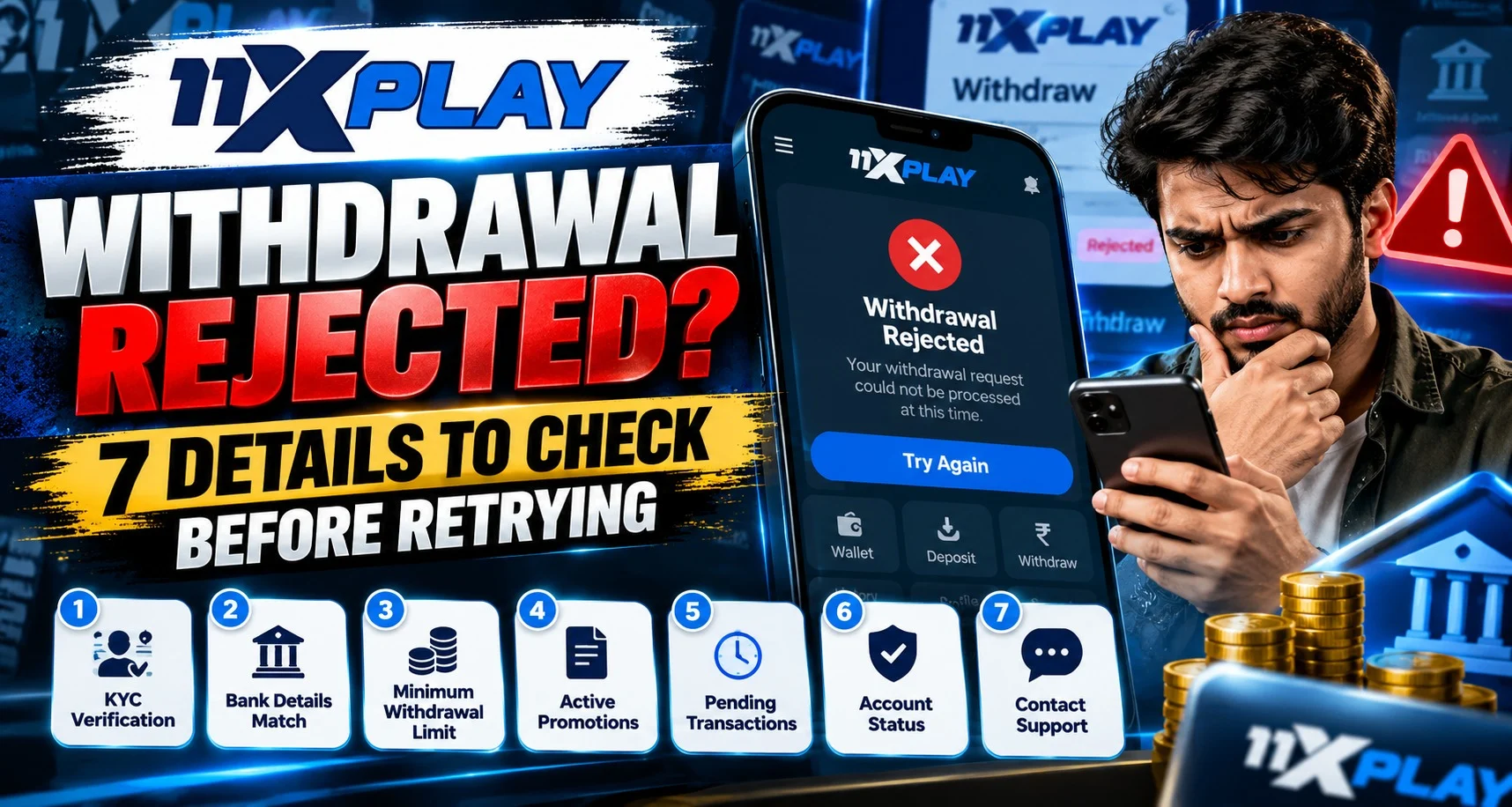
You expected a payout and received a rejection. What would change if you submitted it again? For an 11xplay withdrawal, start with the reason attached to the request. After 11xplay login, save that message and the transaction reference before editing anything.
We recommend checking seven details in order. Exact requirements depend on your account and the current withdrawal instructions.
1. The Recorded Status and Rejection Reason
Read the complete status message, including any explanation beside it. Confirm that the request was rejected rather than left pending or under review.
Keep the request date, amount and reference together. If the reason is unclear, ask which condition prevented processing. A precise answer gives your next check a purpose and avoids unnecessary edits.
2. Your Current Verification Status
Signing in successfully does not mean every identity or payment check is complete. Look for outstanding verification requests or a document that needs replacement.
Follow the current instructions through the verified process. If a document was declined, establish whether the problem involves readability, validity or inconsistent details. Resolve that issue before another request.
3. The Name Attached to the Payment Account
Compare the registered account holder with the owner of the selected bank account or payment method. Use your own details and check any required name matching.
For example, an abbreviated account name may need clarification against a document showing the full name. Ask how to resolve the difference properly. Do not change identity evidence or substitute someone else’s account to get around the check.
4. The Destination Details Saved for the Request
When reviewing an 11xplay rejection, inspect the actual destination used for that request. After 11xplay login, compare saved information with your bank or payment application’s records.
For a bank transfer, review the account number and branch code where required. For UPI, confirm the identifier and its linked account. An old destination can look familiar but be incorrect. Check each field before reviewing the amount.
5. The Amount and Current Withdrawal Limits
Compare the requested amount with the eligible balance and the limits shown for your selected method. Check any applicable request, daily or account limit.
A total wallet figure may include funds unavailable for withdrawal. Review pending activity and outstanding requests rather than assuming the headline number is entirely accessible. Confirming the permitted amount is easier than guessing a different figure and repeatedly trying again.
6. Any Promotion Conditions Affecting the Funds
If a promotion is active, read the conditions attached to its credit and associated winnings. Withdrawal restrictions can differ between offers.
Ask which balance is restricted and why. Before cancelling a reward, establish whether cancellation affects related funds. Do not place additional bets simply because you assume that will resolve the rejection. Clarifying the condition supports a more comfortable decision about what to do next.
7. What Must Happen Before a New Request
Check whether the rejected amount has been restored to the available balance or remains under review. Ask support if the records do not explain it.
Send the original reference, rejection message and the correction you have made. Confirm the next step. Customers should expect a clear explanation without sharing passwords, OTPs or payment PINs.
Keep the response for future reference. This approach works across supported devices and payment methods while making later enquiries easier to follow.
Read More : Forgot Your Password? Account Recovery Guide
Conclusion
At 11xplay, we encourage you to connect each rejection reason with a specific correction before retrying. Use 11xplay login to review verification, payment details, eligible funds and the original request together. We invite you to ask verified support about unresolved points and proceed only when you understand the next step.
FAQs
Should I retry a rejected withdrawal immediately?
Check the reason first. Correcting it matters more than repeating the request.
Does successful login confirm verification is complete?
No. Separate identity or payment checks may remain outstanding.
Can I choose someone else’s payment account?
Use your own payment details. Follow the account ownership requirements.
Is the total wallet balance always withdrawable?
Not necessarily. Restrictions or pending activity may affect eligibility.
What if the rejected amount is still unavailable?
Keep the request reference and status message. Ask verified support to explain the balance.


